📡
Wi-Fi, actually controlled
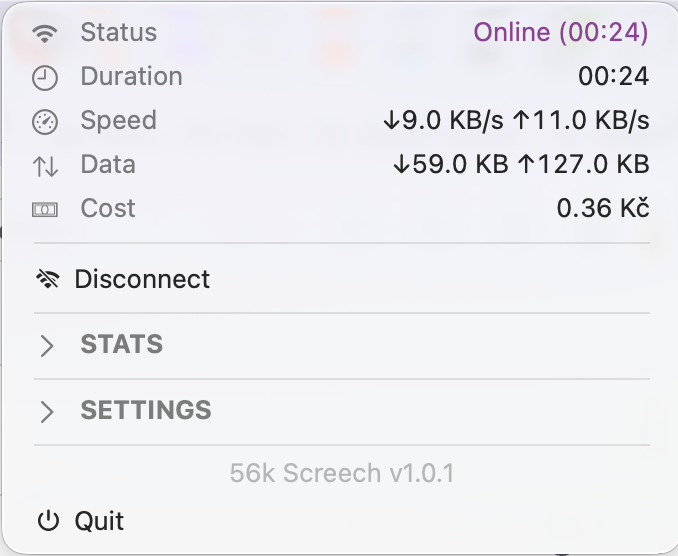
When you're not connected through Screech, Wi-Fi is off. Full stop. No silent background syncs, no surprise radio chatter.
🔊
The dial-up ritual
Connecting plays an authentic dial-up handshake — the sound your brain still remembers. It's not a sound effect, it's a ceremony.
💰
Know what it's costing you
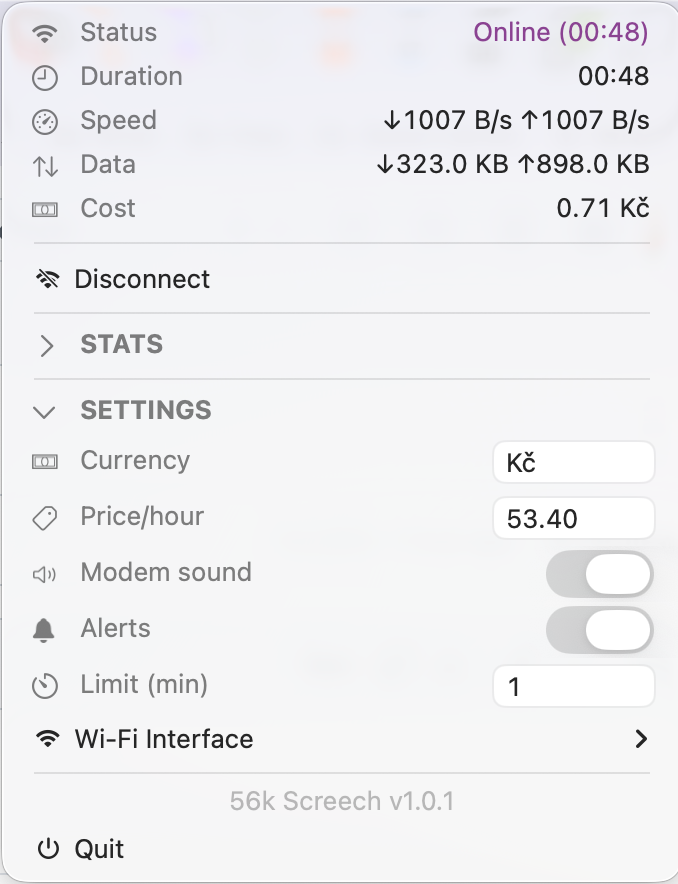
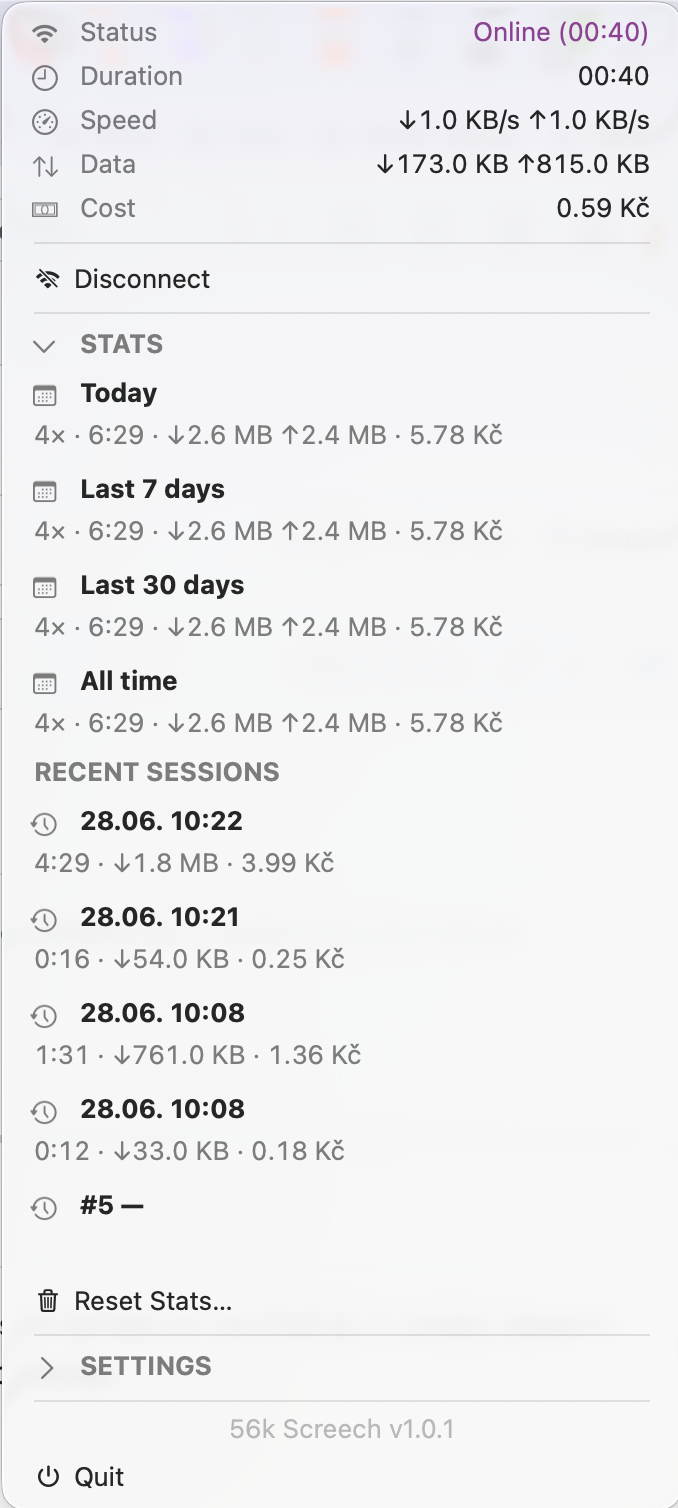
Set a currency and a price per hour, like the ISPs that billed by the minute back in the day. Screech tracks a running "cost" per session just for the nostalgia — it's a tracker, not an invoice.
😴
Sleep-aware tracking
Close the lid and the clock pauses with it. Waking your Mac never inflates a session's tracked cost or fires an overdue alert out of nowhere.
🔔
A nudge before you forget
Set a time limit and get a Notification Center alert when you're still connected — with a one-tap Disconnect built right in.